Free Chrome extension
Comment Console for YouTube
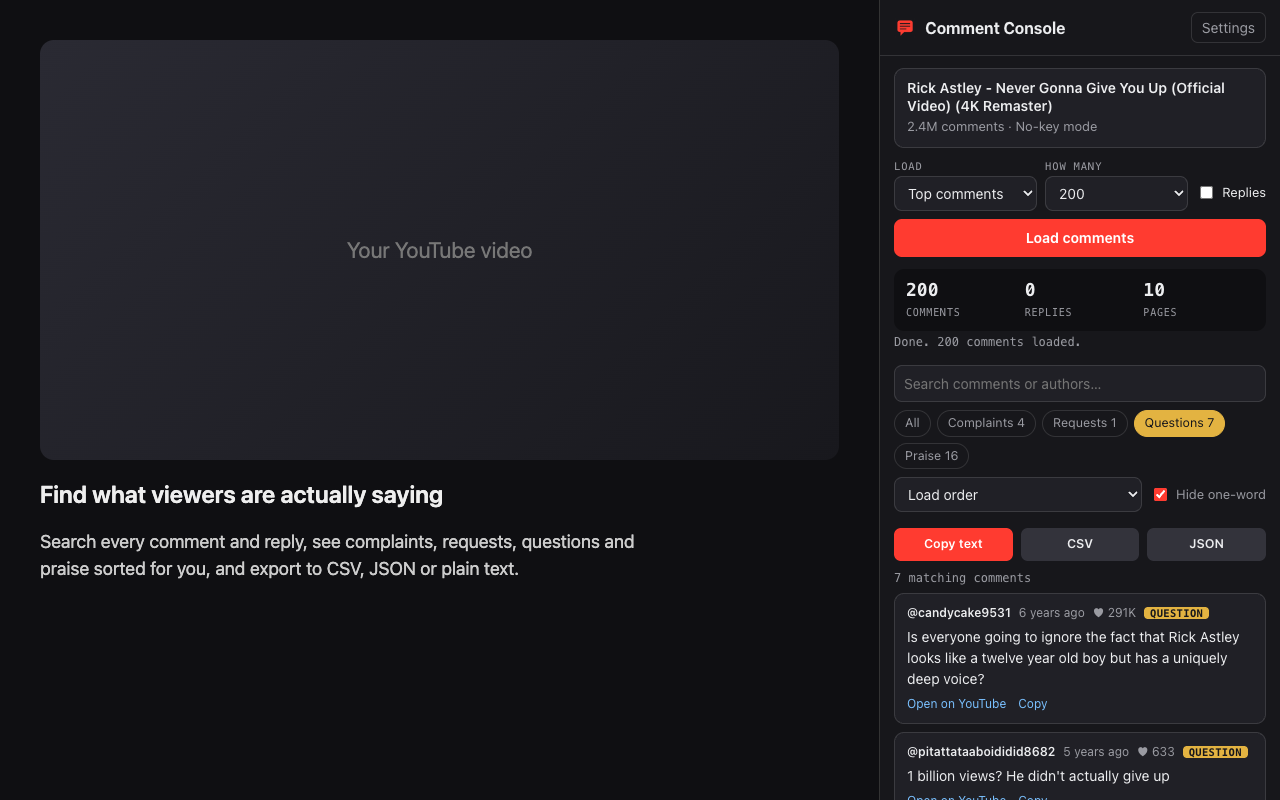
Find what viewers are actually saying. Comment Console opens in Chrome’s side panel next to any YouTube video, loads the comments, and sorts them into Complaints, Requests, Questions and Praise, with search and export.
Comment Console is no longer in the Chrome Web Store. If you already have it, it keeps working, and this page still explains how to use it.
Who it’s for
- You want to know what a video’s comments actually say, without reading hundreds of them one by one.
- You want to spot complaints and questions, or pull a clean export for a report or a reply queue.
How it works
Open the panel on any video
Click the Comment Console icon in the toolbar (pin it from the puzzle-piece menu) while on a YouTube video or Short, then click Load comments.
Search, filter and sort
Search every comment and reply, with matches highlighted. Filter to Complaints, Requests, Questions or Praise, each with a count. Order by most liked or most replied, and hide one-word or emoji-only comments.
Export what you need
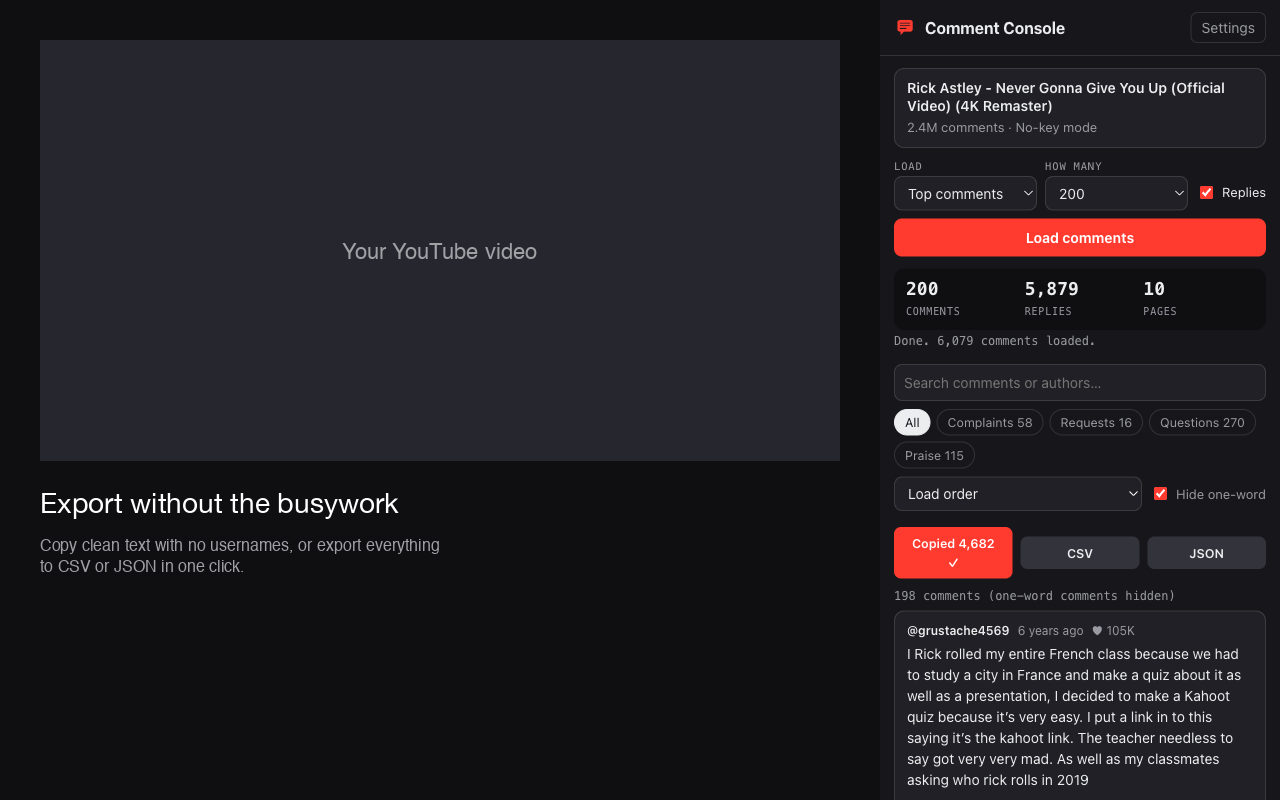
Copy all the text with no usernames, or export to CSV or JSON. Each comment also has its own Copy and an “Open on YouTube” link that jumps straight to it.
No-key vs. reliable mode
Comment Console works out of the box: no-key mode uses the same requests youtube.com itself makes, so there’s nothing to set up. It shows relative dates (“6 years ago”) and rounded like counts (“291K”).
If you want exact dates and like counts, or a backup for when YouTube changes its site, add your own free YouTube Data API key in Settings. Comment Console then switches to Google’s official, stable API. The key stays in your browser.
Privacy
Comments are fetched and sorted in your browser. Nothing is sent to me or anyone else, and the extension never acts as your YouTube account. Privacy policy
Change log
0.1.0
- First release: a side panel on YouTube that loads a video’s comments, sorts them into Complaints, Requests, Questions and Praise, and exports them.
- Works with no setup. Add your own free YouTube Data API key in Settings for exact dates and like counts.
Support
Found a comment it got wrong, or a question? Email google-extensions@ridgelineknows.com.
Not affiliated with, or endorsed by, YouTube or Google.